The Complete Guide to QR Code Menus for Restaurants in 2026
QR code menus moved from pandemic workaround to default operating mode in restaurants. This comprehensive guide explains what they are, why they work, what they cost, and how to launch yours in minutes — with links to every detail you need.

What is a QR code menu?
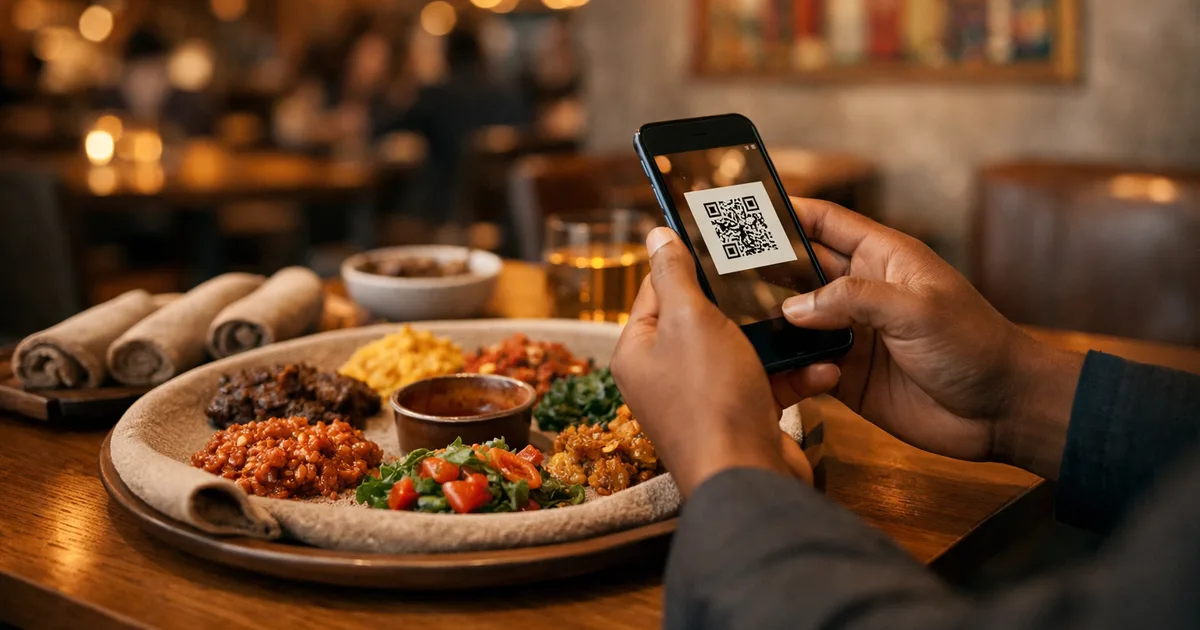
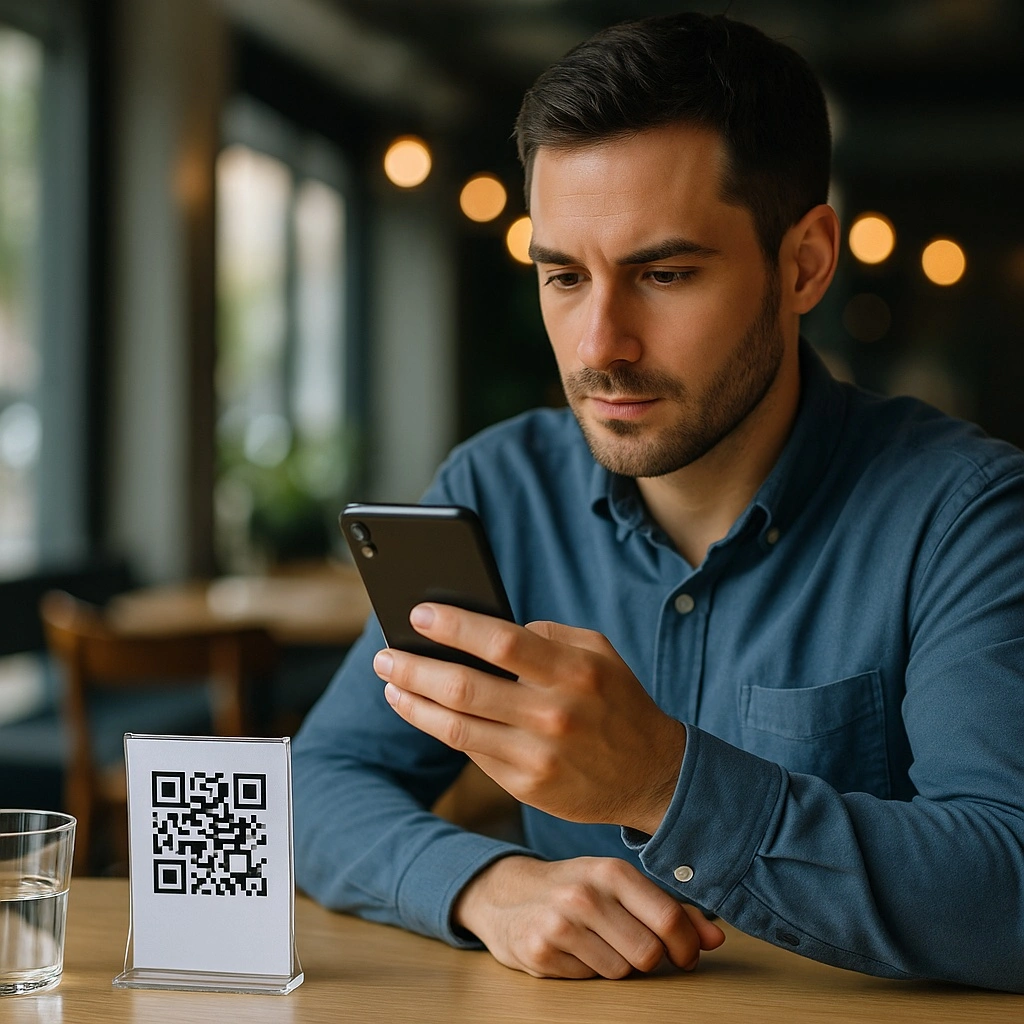
A QR code menu is a digital restaurant menu that customers view by scanning a QR code with their smartphone camera — no app to install, no account to create. The menu opens instantly in the browser and the restaurant can update it at any time, in multiple languages, with photos, prices, allergens and descriptions.
This guide covers everything restaurant owners need to know about QR code menus in 2026: how they work, the operational benefits, what they really cost, the most common mistakes to avoid, and how to launch yours in under 10 minutes.
TL;DR
- A QR code menu is a web page customers reach by scanning a QR code — no app needed on either side.
- Updates are instant, free, and reach every table in seconds.
- One QR code can serve a menu in 16+ languages with built-in switching.
- Setup takes 10–30 minutes for a first menu; ongoing updates take seconds.
- The free tier is enough to test the format on your tables this week.
Why QR code menus became the new standard
QR codes existed long before restaurants used them, but adoption accelerated sharply during the 2020 contactless shift — and never reversed. Three structural reasons explain why they stayed:
- The customer already carries the scanner. Every guest has a smartphone with a camera. iOS and Android have scanned QR codes natively from the camera app since 2017 — no QR-reader app required.
- Print cycles are slow and expensive. A small change — a price update, a sold-out dish, a new allergen rule — used to mean a full reprint. With a QR menu the change goes live in seconds, at zero marginal cost.
- One menu, every language. Tourist zones can serve guests in 12 languages from a single QR code, without juggling stacks of printed translations.
The result: QR code menus have shifted from “pandemic workaround” to default operating mode in independent restaurants, food trucks, hotel bars and chains alike.
The 2026 adoption numbers
The data now confirms what restaurant owners see every week:
- More than half of US restaurants now offer a QR code menu — the technology has moved from pandemic contingency to industry standard (National Restaurant Association, 2026).
- Around 100 million Americans scan a QR code every year — the figure passed 89 million in 2025 and keeps rising (eMarketer / Statista).
- The majority of operators who adopted contactless technologies during that period plan to keep them permanently (National Restaurant Association, 2026).
- Two low-effort levers maximise actual scan rates: clear table signage (“Scan for the menu — updated daily”) and a branded QR code in your restaurant’s colours rather than a generic black-and-white square.
Concerned about the vocal minority of venues reverting to paper? Are restaurants ditching QR menus? What the 2026 data really says breaks down the numbers honestly.
How a QR code menu works, in 4 steps
The flow is simpler than it looks:
- The restaurant creates its menu (dishes, prices, photos, allergens) in a web platform like ShevaFood.
- The platform generates a unique QR code linked to that menu.
- The restaurant prints the QR code — on table cards, stickers, posters, receipts, or coasters.
- Customers point their phone camera at the code → the menu opens in their browser.
That’s it. No app installation on either side. No technical setup. No customer account.
→ Want the hands-on version? See Generate a QR menu in 5 minutes or Create a digital menu in 10 minutes.
The real benefits of a QR code menu
Beyond the obvious “less paper”, a QR code menu unlocks operational improvements a paper menu cannot match. Here is what changes day-to-day:
- Instant updates. Pricing change, sold-out dish, new chef’s special — live in seconds, on every table, in every language.
- Multilingual by default. One QR code, the customer picks their language — up to 16. No stack of printed translations. → Multilingual restaurant menu: 16 languages with one QR code.
- Allergen and dietary tagging. Mark every dish with all 14 EU allergens, vegan, vegetarian, gluten-free — always current. → QR menu with allergens: EU-compliant the easy way.
- Photos that sell. A photo lifts an item’s perceived value. AI food photography now generates professional shots from a dish name alone — no photographer or studio needed. → AI food photography for your restaurant menu.
- Built-in analytics. See which dishes get viewed most, what time guests browse, which categories drive interest. → Full detail in Benefits of QR code menus.
- Zero marginal update cost. Once set up, your 200th menu update costs the same as your first: nothing.
- Hygiene by design. Customers use their own device. No menu touched by 50 people a day.
- No customer-side install. Native camera scan since 2017 means even occasional diners can use it without instruction.
For the broader operational picture, see The QR code menu revolution for restaurants.
QR code menu vs other approaches
| Approach | Setup cost | Update cost | Customer device | App install | Languages |
|---|---|---|---|---|---|
| Paper menu | Print run (high) | Reprint every time | None | None | 1 print per language |
| PDF on a URL | Free | Re-upload PDF | Smartphone | None | 1 PDF per language |
| Native restaurant app | Very high (dev) | Dev release cycle | Smartphone | Yes | Built per language |
| QR code menu | Low SaaS subscription | Free, instant | Smartphone (camera) | None | Built-in switcher |
For a deeper, side-by-side comparison with paper menus, see Comparison between physical and digital menus.
How to choose a QR menu platform
A QR menu platform is not just a QR code generator. Before committing, look for these traits:
- Zero customer-side friction. No app install, no account creation, no payment wall. The menu opens in 1 second.
- Native multilingual support. A built-in language switcher, not “one PDF per language”.
- Real-time updates. Changes you make show on every table in seconds.
- Photos, allergens, dietary tags. Treated as standard, not premium add-ons.
- Analytics. You should see what your guests actually look at.
- Transparent pricing. Beware “free QR” tools that lock the basic features behind paid tiers.
- Multi-menu and time-slot support. Show a breakfast menu in the morning and a dinner menu at night, automatically.
- Team collaboration. Let a manager update prices without giving them owner-level access.
Want to compare free options first? Our free QR code menu generator guide explains the critical difference between a static QR code (a frozen PDF) and a dynamic QR menu (a true, updatable digital menu) — and the traps to avoid before putting any code on your tables.
Already using a PDF as your menu? See PDF menu to QR code: when a static PDF falls short for the upgrade path.
ShevaFood is built around these principles — see the /qr-menu/ page for the product overview or /pricing/ for what’s included in each plan.
Step-by-step: how to launch your QR menu
The shortest path from “I want one” to “it’s live on my tables”:
- Sign up for a QR menu platform (a free tier is usually enough for the first try).
- Create your categories — starters, mains, drinks, dessert.
- Add your dishes — name, price, description, photo, allergens.
- Enable the languages your customers speak.
- Download the QR code and print it on table cards or stickers.
- Scan it yourself and walk through the customer experience before going live.
The two satellite guides cover this in detail with screenshots:
- Generate a QR menu in 5 minutes — the fastest path.
- Create a digital menu in 10 minutes — the same flow with extra care on language setup and testing.
The 5 most common mistakes restaurants make
Even with the best platform, restaurants trip on the same handful of issues. The full breakdown is in 5 QR code menu mistakes to avoid, but here are the headliners:
- QR code too small to scan from a seated position. Aim for at least 3×3 cm on the table.
- Hiding the QR in a discreet corner. Customers should see it without searching.
- Forgetting to test the customer experience. Always scan the QR yourself before going live.
- An outdated menu. A digital menu that hasn’t been touched in months is worse than no menu.
- No language switcher in a tourist area. A huge missed-revenue lever — see how to serve 16 languages from one QR code.
Advanced features that separate top platforms
Once your basic menu is live, these are the next levers worth pulling:
Multilingual menus (up to 16 languages)
One QR code, 16 available languages — guests choose their own from a built-in switcher. Essential for tourist-heavy locations where serving international visitors directly influences table spend and review scores. → Multilingual restaurant menu: 16 languages with one QR code.
AI food photography
Food photos increase perceived value and average ticket. ShevaFood generates professional visuals from a dish name alone — no photographer or studio required. → AI food photography for your restaurant menu.
Social links and review platforms
Embed your TikTok, TripAdvisor, and Instagram links directly in the menu — guests can follow, review, or share without leaving the table. → How to show TikTok and TripAdvisor links on your menu.
Time-slot scheduling
Breakfast 7–11 AM, brunch on weekends, dinner from 7 PM, late-night bar. Each menu shows only during its service window — no manual switching. → Full guide to menu time slots.
Team collaboration
Let your sous-chef update the daily special, your manager handle prices, without giving them owner access. → Collaborators guide.
Visitor analytics
Track unique scans, popular dishes, time-of-day patterns. The strategic layer behind menu engineering. → Visitor analytics in the menu management guide.
Multi-menu support
Operate several menus from the same dashboard: drinks, lunch, dinner, seasonal, events. Each gets its own QR code or its own time slot.
What does a QR code menu really cost?
Three honest cost layers:
- Subscription to the platform. ShevaFood offers a free tier and paid plans — see /pricing/ for current rates.
- Print the QR code on tables. Cheap: a standard sticker, a table tent, or a laminated card.
- Setup time. Realistically 10–30 minutes for your first menu, seconds for ongoing updates.
Compared to printing classic menus, the savings stack up fast — printing a single fold-out menu often costs more than a month of subscription. Country-specific breakdowns:
QR code menus by region
Adoption and best practices vary by country and city. Our local guides:
QR code menus and online discovery in 2026
A structured digital menu now does more than serve the table — it feeds your visibility on search engines and AI assistants. In 2026, ChatGPT, Gemini, and Perplexity are already answering restaurant-discovery queries directly; a well-structured, multilingual, regularly updated menu with allergen and ingredient data maximises your chances of appearing in those answers.
Allergen compliance is also tightening on both sides of the Atlantic. US states are rolling out written-allergen mandates following California’s July 2026 deadline, and EU Regulation 1169/2011 continues to require per-dish allergen disclosure in the UK and Europe:
- QR menu with allergens: stay EU-compliant the easy way
- US restaurant allergen laws in 2026: California’s deadline and the state-by-state wave
Frequently asked questions
Yes — the technology is now mainstream. More than half of US restaurants now offer a QR code menu, and around 100 million Americans scan a QR code every year (National Restaurant Association, 2026). Native camera scanning has been built into iOS and Android since 2017. For the nuanced answer — including data on the venues reverting to paper — see Are restaurants ditching QR menus? What the 2026 data really says and Do customers hate QR menus?.
Customers need a mobile data connection (4G/5G) or your restaurant’s WiFi to load the menu. The menu itself is lightweight — it loads in 1–2 seconds on a normal connection. Offering free in-restaurant WiFi boosts engagement and menu dwell time.
Yes. The QR code is just a URL, like any link. Customers see your menu domain when scanning. As long as the platform uses HTTPS (ShevaFood does), there is no security risk for guests.
Most modern smartphones scan QR codes natively from the camera app. For guests who prefer paper, keep one or two printed menus on hand — but you’ll find demand for them drops fast once the QR is clearly signposted on the table.
About 10–30 minutes for a first menu with 20–30 dishes, seconds for ongoing updates. See our 5-minute guide for the fastest path or our QR menu creator walkthrough for a step-by-step approach.
Yes — the free plan lets you create a basic digital menu with up to 20 dishes in 2 languages. See /pricing/ for details on what each paid plan adds, including up to 16 languages and advanced analytics.
Bottom line
A QR code menu in 2026 is the default infrastructure for any restaurant that wants instant updates, multilingual reach, and friction-free digital ordering. More than half of US restaurants have already made the switch (NRA, 2026) — and platforms like ShevaFood make it free to start in under 10 minutes. The hardest part is picking the right platform: choose one that prioritises zero customer-side friction, real multilingual support, transparent pricing, and built-in allergen tagging.
Ready to try? Start your free ShevaFood account and launch your first QR code menu in minutes.
Sources
- State of the Restaurant Industry 2026 — National Restaurant Association , 2026
- Mobile QR scanner usage in the United States — Statista / eMarketer , 2025