Multilingual Restaurant Menu: Serve 16 Languages with One QR Code (2026)
With 45.5 million inbound visitors forecast for the UK in 2026 and 71% of tourists preferring restaurants that translate their menus, a printed-only menu is quietly costing you covers. This guide shows how one QR code can serve every language your guests speak — automatically, in real time, at no extra cost.

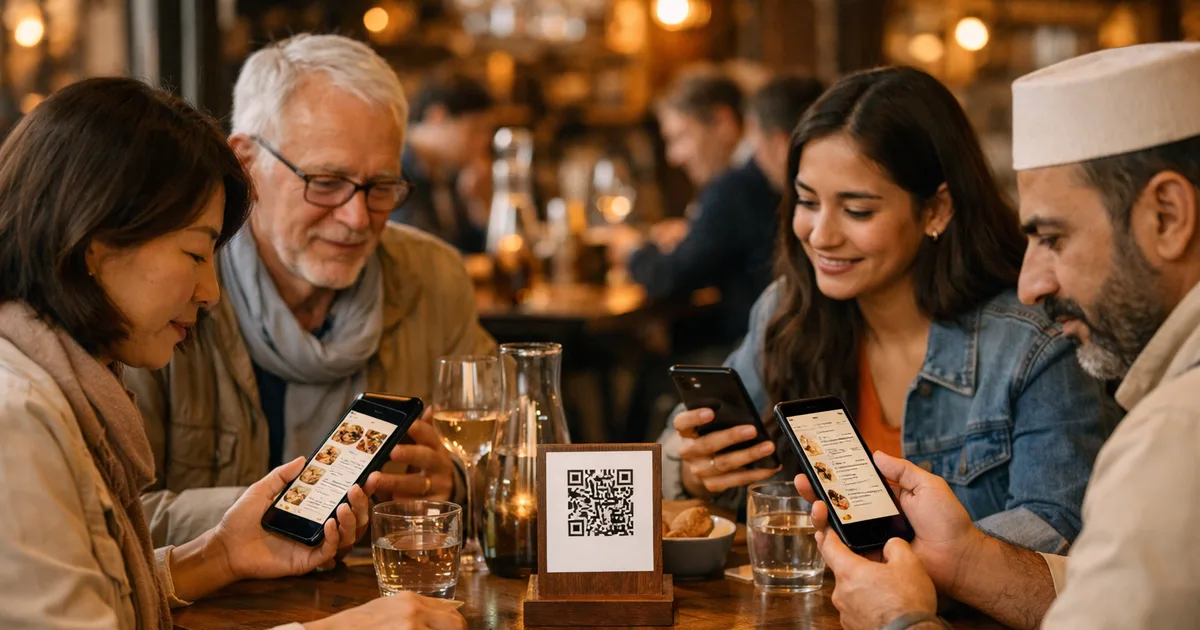
A group of Japanese tourists sits down at your table in a South Bank brasserie. They point at dishes, the server points back, smartphones translate in real time with patchy results — and twenty minutes later the table is empty. Not because the food was wrong. Because the language barrier made the whole experience exhausting.
A multilingual restaurant menu solves the problem at the source: each guest reads the menu in their own language, from one QR code placed on the table, with no pile of printed versions and no translator on staff.
At a glance
- VisitBritain forecasts 45.5 million inbound visits to the UK in 2026, spending £35.7 billion — a 7% increase in nominal spend (VisitBritain, 2025).
- 71% of tourists say they prefer restaurants that can translate their menu into the guest’s own language instantly (Lavu, 2024).
- A multilingual QR menu supports up to 16 languages from a single code, updated in real time, with no extra printing cost.
- Setup takes under 15 minutes and multilingual support is included in most free plans.
Why every UK restaurant with international guests needs a multilingual menu in 2026
A single-language printed menu is quietly costing you covers. VisitBritain forecasts 45.5 million inbound visits to the UK in 2026, with visitor spending up 7% to £35.7 billion (VisitBritain). That is 45.5 million people arriving — many of them heading straight to restaurants — who may not read English fluently enough to navigate a standard menu with confidence.
The preference data is clear: 71% of international tourists say they prefer restaurants that can offer the menu in their language in seconds (Lavu). When they encounter a printed English-only card in central London, many guests default to safe, recognisable dishes — skipping the higher-margin items your kitchen worked hardest on.
The trend is global. In February 2026, the Missouri Restaurant Association launched a dedicated multilingual menu app ahead of the FIFA World Cup, offering menus in 28 languages for participating restaurants — a sign that multilingual menus are now considered a strategic hospitality asset, not a niche extra (KCTV5, February 2026).
Three ways to translate your restaurant menu — a real cost comparison
There are three approaches to a restaurant menu in multiple languages. Here is what each one actually costs in time, money, and quality:
| Approach | Upfront cost | Updates | Quality | Scalability |
|---|---|---|---|---|
| Printed translated menus | Printing × number of languages | Reprint on every change | Variable (professional) or approximate (DIY) | Each language = a new version to manage |
| Professional translator + PDF | £150–400 per language | New translation + reprint | Excellent | Expensive past 3 languages |
| Dynamic multilingual QR menu | Included in subscription (often free) | Instant, once, across all languages | Good (AI) + manual refinement possible | Up to 16 languages from one code |
The printed approach was standard pre-2020. It still makes sense for static tasting menus at high-end establishments — but it becomes a recurring operational cost the moment prices or dishes change. A multilingual QR menu eliminates that friction: you update once in English, and every language version updates automatically.
How does a multilingual QR menu actually work?
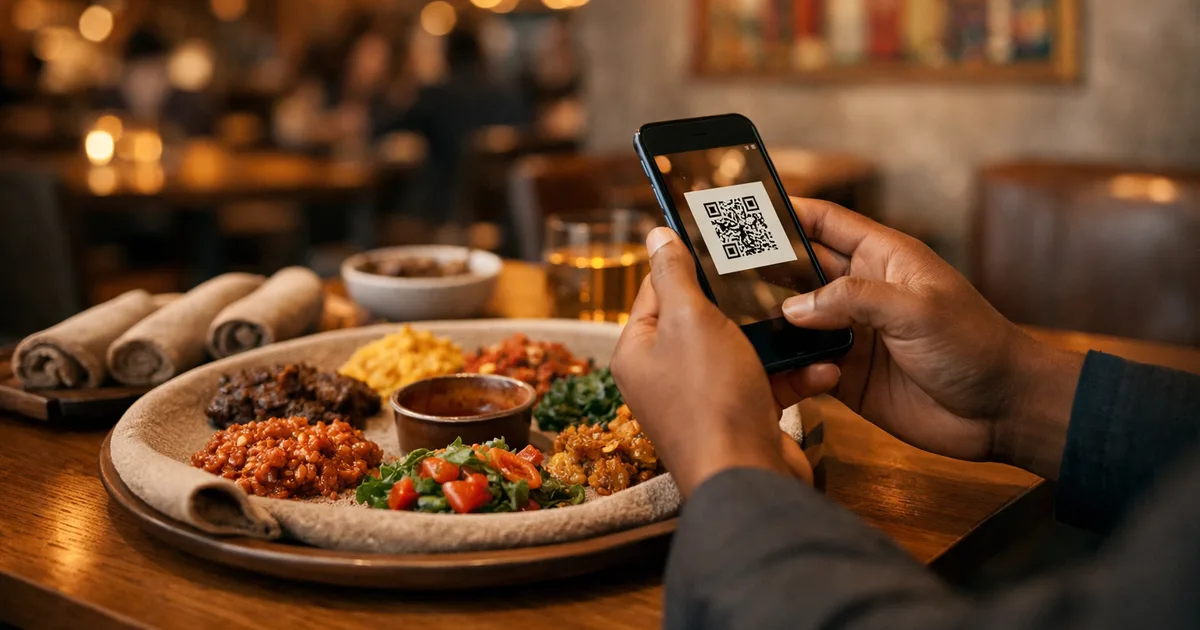
A multilingual QR menu uses a dynamic QR code — not a static PDF file — to serve every language from one URL. The guest journey is straightforward: scan the code on the table; the menu opens in the phone’s browser with no app required; a language selector appears at the top (or the phone’s language is detected automatically); and the full menu displays in the chosen language, complete with photos, prices, descriptions, and allergens.
On the restaurant’s side, management is entirely centralised: one dashboard, one update. When you change the price of today’s special in English, every language version reflects it instantly.
ShevaFood offers this from its free plan — making a multilingual restaurant menu accessible to a neighbourhood café as much as a large hotel restaurant. To understand how digital menus work more broadly, read the complete guide to QR code menus for restaurants.
Which languages should your restaurant menu support?
The right mix depends on your actual customer base and your location.
For central London (West End, South Bank, City): after English, add Spanish, French, German, Italian, Japanese, Mandarin Chinese, and Arabic. These eight languages cover the overwhelming majority of non-English-speaking covers in the capital.
For tourist venues outside London (Edinburgh, Bath, the Cotswolds, York): French, German, Spanish, Dutch, and Italian are the most useful additions. Japanese and Mandarin are worthwhile for sites that attract significant Asian tour-group traffic.
For London’s distinct neighbourhoods: Cantonese for Soho and Chinatown; Arabic for Mayfair and Knightsbridge; Korean and Japanese for the West End theatre district; Bengali and Hindi for Brick Lane and Bethnal Green.
Best practice: start with the four or five languages that match 80% of your international covers, then expand over time. On a platform like ShevaFood, adding a new language takes 30 seconds and does not change the QR code already on your tables.
Five steps to set up a multilingual QR menu
Step 1 — Choose a dynamic QR menu platform
Pick a solution that handles multilingual natively — not a simple static QR generator. Check that your target languages are available and that automatic translation is included in the base plan.
Step 2 — Enter your menu in your working language
Input your full menu: categories, dishes, descriptions, prices, photos, and allergens. This becomes the master copy that the system translates automatically into every language you activate.
Step 3 — Activate target languages
In the dashboard, select the languages relevant to your guests. Translation applies in seconds across every dish description, allergen label, and category header.
Step 4 — Review key translations
Skim your signature dishes in your priority languages. Adjust any names that resist automatic translation — local or regional specialities, dish names with cultural nuance, or playful menu copy. Ten minutes of review is usually enough for a first menu.
Step 5 — Generate, print, and test your QR code
Download the auto-generated QR code and print it on table tent cards or stickers — one code for every language. Scan it on several devices, switch between languages, confirm prices and photos, before service begins.
👉 Create your multilingual menu for free with ShevaFood — no credit card required
Frequently asked questions
The range varies by platform. Some cap at 5–10 languages; others, like ShevaFood, support up to 16 from a single QR code. For most tourist-facing UK restaurants, English, Spanish, French, German, Italian, Japanese, Mandarin, and Arabic cover the large majority of international covers in one go.
Not for a working first version. Modern QR menu platforms generate translations automatically from your master menu in English. A light human review on two or three priority languages is good practice for dish names, but costs a fraction of full professional translation per language.
Yes — it is intuitive. A language selector appears at the top of the menu on opening. Most guests find it immediately. Some platforms detect the device language and preload the right version automatically, removing even that one tap.
No. Multilingual support is included in most QR menu platforms’ base plans, including free tiers. The marginal cost of adding a fifth or tenth language is zero. The real expense is the old way: separate printed versions, professional translators, and a reprint every time the menu changes.
For London, after English: Spanish, French, German, Italian, Japanese, Mandarin, and Arabic — eight languages covering the bulk of inbound visitors. Adjust by neighbourhood: Cantonese for Soho and Chinatown, Arabic for Mayfair and Knightsbridge, Japanese for West End hotel restaurants.
The bottom line
A multilingual restaurant menu is no longer a luxury reserved for hotel chains or airport dining rooms. Modern QR menu platforms make it accessible to any venue — in under 15 minutes, with no translation budget. With 45.5 million international visitors forecast for the UK in 2026 and 71% preferring restaurants that speak their language, every cover lost to a language barrier is a direct and measurable cost.
One QR code on the table can now handle 16 languages, update in real time, and guide each guest to the dishes they genuinely understand and want to order.
To build a complete digital menu strategy, read the complete guide to QR code menus for restaurants or explore a free QR menu generator to see the platform in action. For a data-backed look at where the QR menu trend stands in 2026, see what restaurants switching back from QR really tells us.
Ready to serve your international guests in their own language? Create your multilingual menu for free with ShevaFood and have your first version live today.
Sources
- VisitBritain inbound tourism forecast 2026 — VisitBritain , 2025
- Top 7 Benefits of Multilingual Menus for Restaurants — Lavu , 2024
- QR Code Menu Adoption Statistics: Real Data From 10,000+ Restaurants — EasyMenus , 2025
- Missouri Restaurant Association launches multilingual menu app ahead of World Cup — KCTV5 News , 18 February 2026