How to Create a Digital Menu in 10 Minutes (No App, No Tech Skills)
If you run an independent restaurant, discover how to create a digital menu in 10 minutes without apps, designers, or technical skills. A practical guide for real restaurant owners.

What Is a Digital Menu?
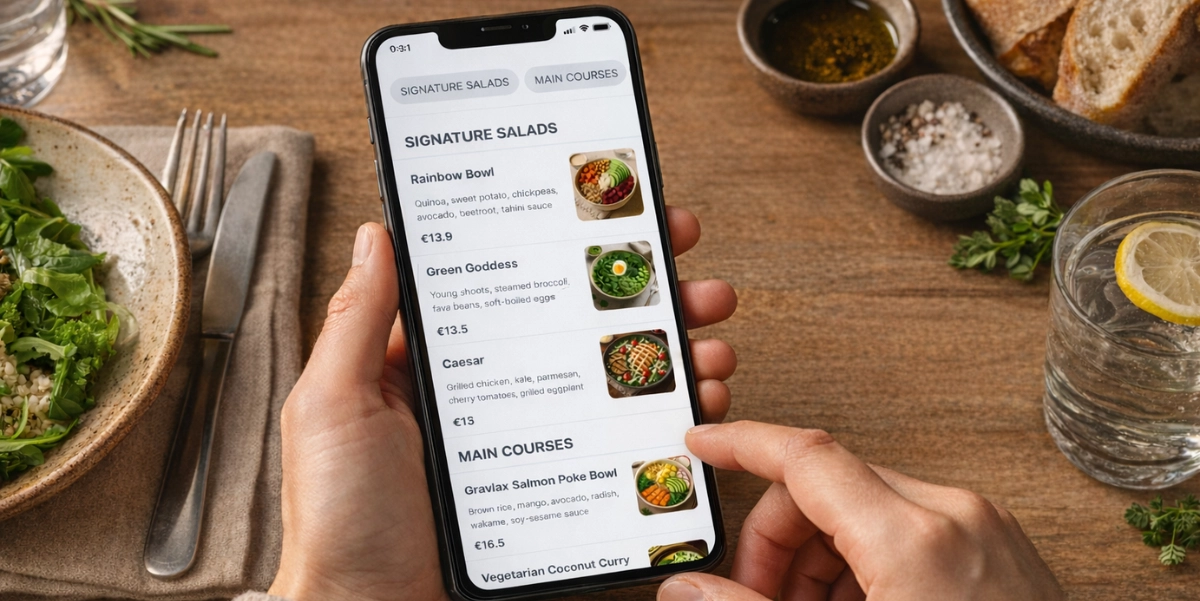
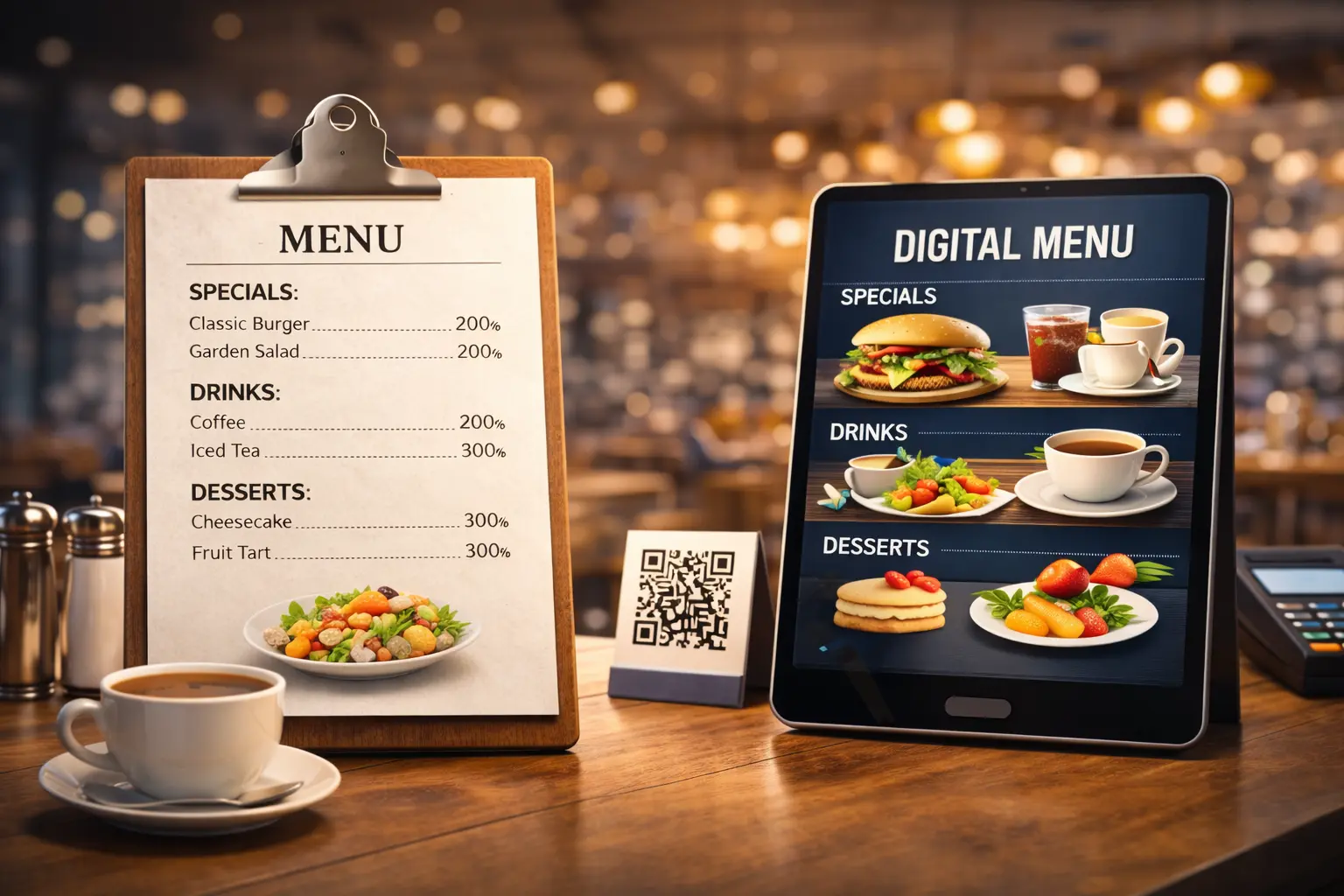
A digital menu is your restaurant menu available online through a QR code. Guests scan the code with their phone camera and view your menu instantly—no downloads, no apps.
A digital menu is:
✅ An online menu for your restaurant
✅ Easy to open on any smartphone
✅ Simple to update at any time
✅ Often available in multiple languages
A digital menu is NOT:
❌ A mobile app
❌ Complicated restaurant technology
❌ A replacement for hospitality or service
For many owners, a digital menu is simply a paper menu alternative that makes daily operations easier.
Why Restaurant Owners Are Switching to Digital Menus
No matter where your restaurant is located, independent owners face similar challenges:
- Printing menus is expensive and repetitive
- Menu prices change frequently
- Customers may struggle to understand the menu
- Staff spend time explaining unavailable items
A digital menu for restaurants helps solve these problems quietly, without changing how you serve guests.
Common reasons restaurants go digital:
- Reduce ongoing menu printing costs
- Update prices instantly
- Remove sold-out dishes in seconds
- Serve customers more clearly and confidently
- Look professional without hiring designers
For most owners, the biggest benefit is peace of mind.
What You Need Before Creating a Digital Menu
One of the biggest myths is that creating a digital menu is technical. It isn’t.
Before you start, prepare:
- Your current menu (paper, PDF, or photos)
- Dish names and prices
- A smartphone, tablet, or laptop
- 10 uninterrupted minutes
That’s it.
You don’t need technical knowledge, design skills, or extra staff. This is what makes a beginner-friendly digital menu possible.
Step-by-Step: How to Create a Digital Menu
Let’s walk through how to make a digital menu from start to finish.
Step 1: Choose a Simple Digital Menu Tool
The most important decision is choosing the right tool.
Look for a platform that:
- Is made for independent restaurants
- Offers digital menu setup without technical skills
- Does not require an app for customers
- Has clear, transparent pricing
- Supports QR code menus
Platforms like Shevafood are designed specifically for restaurant owners who want a simple digital menu, not complex software. Once you sign up, you can start immediately.
Step 2: Add Your Menu Items (3–5 Minutes)
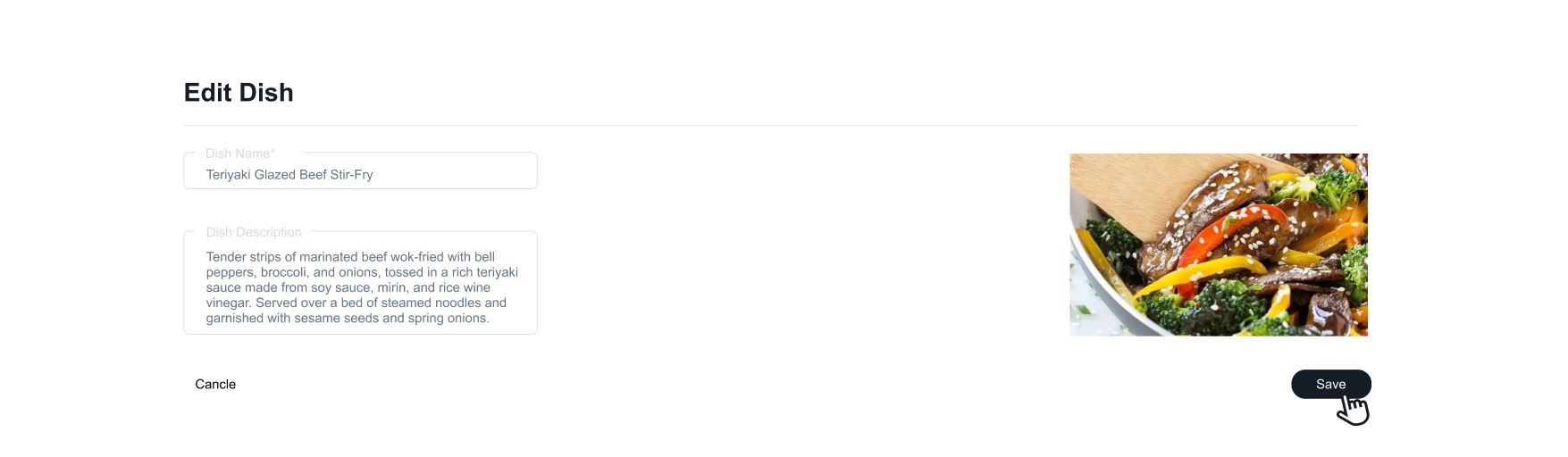
This step is easier than most owners expect. You can:
- Type dish names and prices manually
- Or upload an existing menu file
Start with the basics:
- Create menu categories (Starters, Mains, Drinks)
- Add dish names and prices
- Save your changes
Photos are optional and can be added later. Most owners complete this step in under five minutes.
Step 3: Enable Multiple Languages (Optional)

If you serve customers who speak different languages, this step makes a big difference.
Instead of printing multiple versions of your menu, a digital menu allows guests to select their preferred language themselves.
Benefits include:
- Less explaining for staff
- Fewer misunderstandings
- A smoother customer experience
- Better reviews and feedback
Step 4: Create Your QR Code Menu

Once your menu is ready, your QR menu for restaurants is created automatically.
You can:
- Download the QR code
- Print it on table cards or stickers
- Place it on tables or menus
There’s no technical setup involved. This is why many owners prefer a QR menu without an app.
Step 5: Test It Like a Customer (1 Minute)
Scan the QR code with your phone and check:
- Does the menu load quickly?
- Are prices correct?
- Is it easy to read?
- Can customers switch languages easily?
If yes, your digital menu is live. You’ve just learned how to create a digital menu in 10 minutes.
Digital Menu vs Printed Menu: Cost Comparison
Printing costs vary widely depending on location, supplier, and menu changes.
What stays the same everywhere:
- Printed menus must be reprinted every time something changes
- Prices, dishes, or availability updates cost money
- Printing creates ongoing, repeated expenses
A digital menu:
- Has one predictable cost
- Allows unlimited updates
- Eliminates reprinting
- Reduces waste and stress
For most restaurants, switching to a digital menu quickly becomes more cost-effective than printing.
Do Customers Need an App for a QR Menu?
No. A proper digital menu opens directly in the phone’s browser. Customers scan and view, nothing to install. This keeps the experience simple for everyone.
What About Older Customers?
Many owners worry digital menus may be difficult for older guests. In practice:
- You can keep a few paper menus
- Customers choose what they prefer
- Staff can still assist as usual
A digital menu supports service, it doesn’t replace it.
Common Mistakes to Avoid When Creating a Digital Menu
To keep things stress-free, avoid:
- Choosing overly complex tools
- Trying to perfect design before testing
- Removing paper menus completely
- Ignoring customer preferences
Simple always works best.
Is a Digital Menu Right for Your Restaurant / Cafe ?
A digital menu is a good fit if:
- You aim to grow profits by reducing printing expenses
- You update prices or dishes often
- Printing menus feels frustrating
- You want fewer daily interruptions
- You prefer simple, practical tools
If this sounds familiar, trying a digital menu is a low-risk step forward.
Final Thoughts: Keep Things Simple
Creating a digital menu isn’t about technology. It’s about control, savings, and peace of mind.
- You don’t need tech skills.
- You don’t need extra staff.
- You don’t need to change how you serve guests.
You just need a few quiet minutes. Now you know how to create a digital menu—simply and confidently.
Ready to Get Started?
👉 Create your digital menu now (free trial)
✅ No app.
✅ No tech skills.
✅ No pressure.
✅ No Credit Card Required.
Just a simpler way to manage your menu.